Testing on Ropsten (Ethereum Testnet)
Wallet
Download
For testing purposes, you may download the Chrome Extension Metamask to manage your wallet to deploy new certificate store and issue a batch of certificates.
Set Up
- Create a new password for the wallet
- Backup the seed phrases
- Note down your wallet address
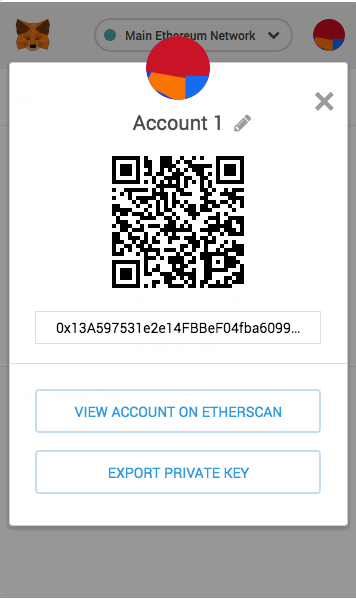
- Change network to "Ropsten"
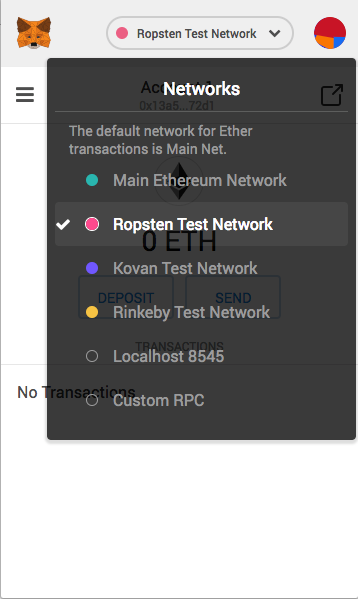
Note: From now on, your wallet address is the address you see in step 3.
Test Ether
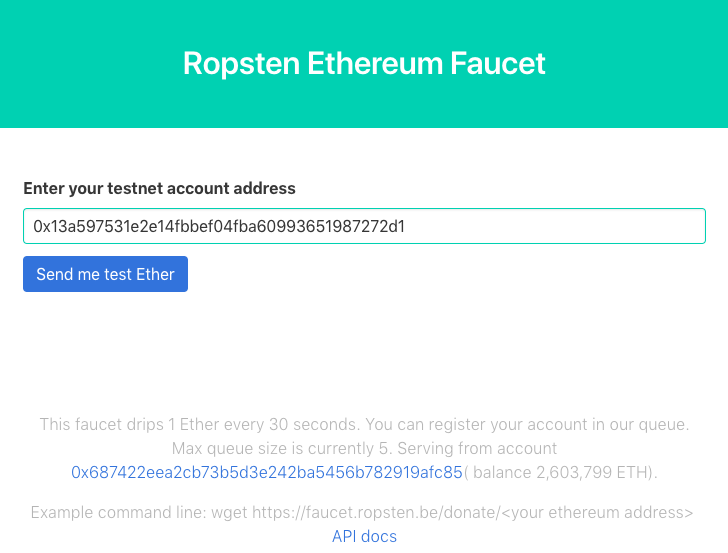
Visit https://faucet.ropsten.be/ to get free Ropsten Ethers for your transactions on the test net. Enter your wallet address and click on "Send me test Ether" to receive free Ethers.
Note: Transactions on the Ethereum network is not instant, check your transaction status in a few minutes if you do not see it immediately.